Look around

See what the main menu items show for the person you added.

Before you begin

Add a person first.

About this task

The menu at the left shows the main places. Most of them show the person you are looking at.

Procedure

  1. Choose Person.

    It shows that person's page.

  2. Choose Events.

    It lists the events and facts for that person.

  3. Choose Notes.

    It shows the notes for that person.

  4. Choose Family tree.

    It draws a tree. Older manuals call it a pedigree.

  5. Choose + at the top right.

    A sheet named Add a record lists what you can add.

Results

The other menu items are for later. To go back one screen, choose the back arrow.
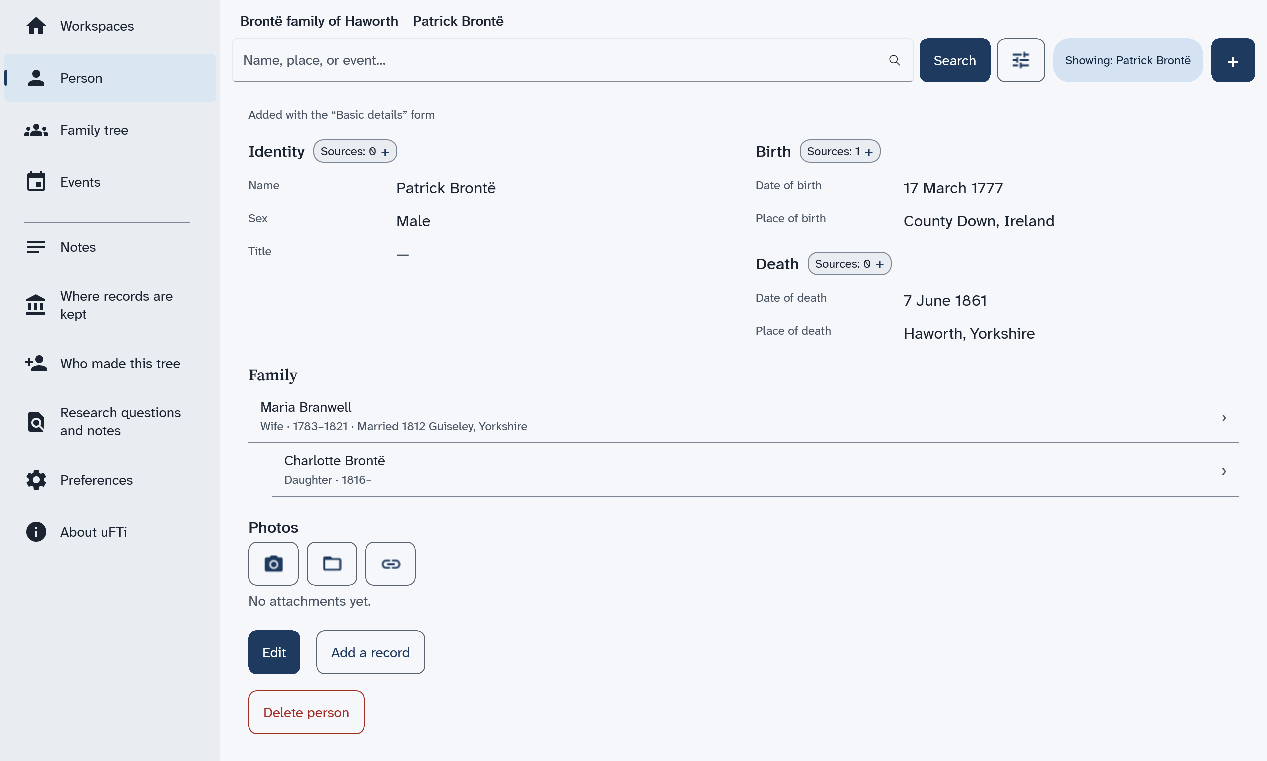
Patrick Brontë's page, with the menu at the left, his dates and places, and a small chip beside Birth that counts one source

What to do next

Next: Say where you found it.