Add a note to a person
Write down something you know about a person that does not fit in a date or a place.
Before you begin
Open the person first. Find a person shows how.
Procedure
-
Choose Note under the part for a note, then choose Add.
The list scrolls. Turn the mouse wheel with the pointer on it to find the part.
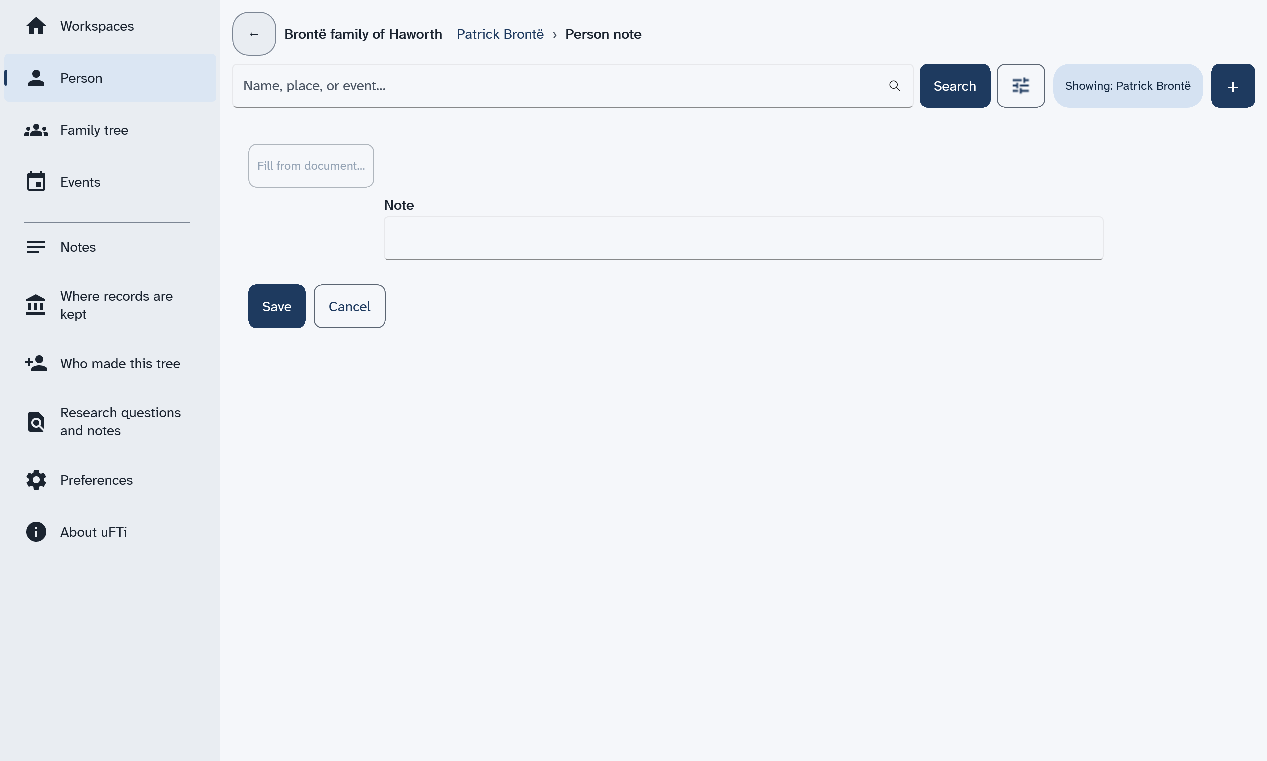
A form opens with one box for the note.
-
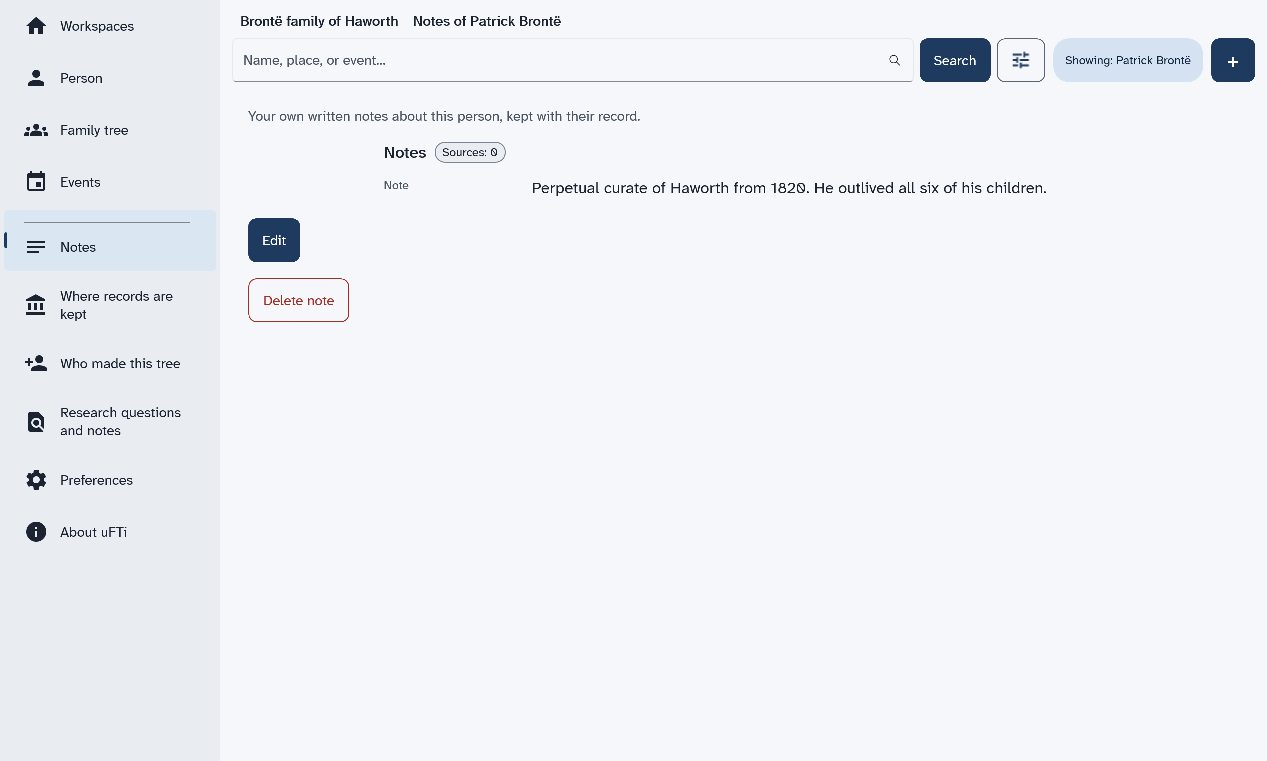
Choose Notes in the menu to read it.
The note shows under Notes, with Edit and a button to delete it.
Results
The note belongs to that person. Write what you know. Say where you read it if you can.
What to do next
Next: Open a family tree file.