The Photos buttons
What the three buttons under Photos do on a person, an event or a source.
A person's page, an event and a source each have a part named Photos. It has three round-cornered buttons in a row. Under them, the page says No attachments yet
until you add a picture.
- The first button has a camera on it.
- The second button has a folder on it. It opens the Windows window for choosing a file. It lists picture files, so you can pick a photo or a scan from your computer.
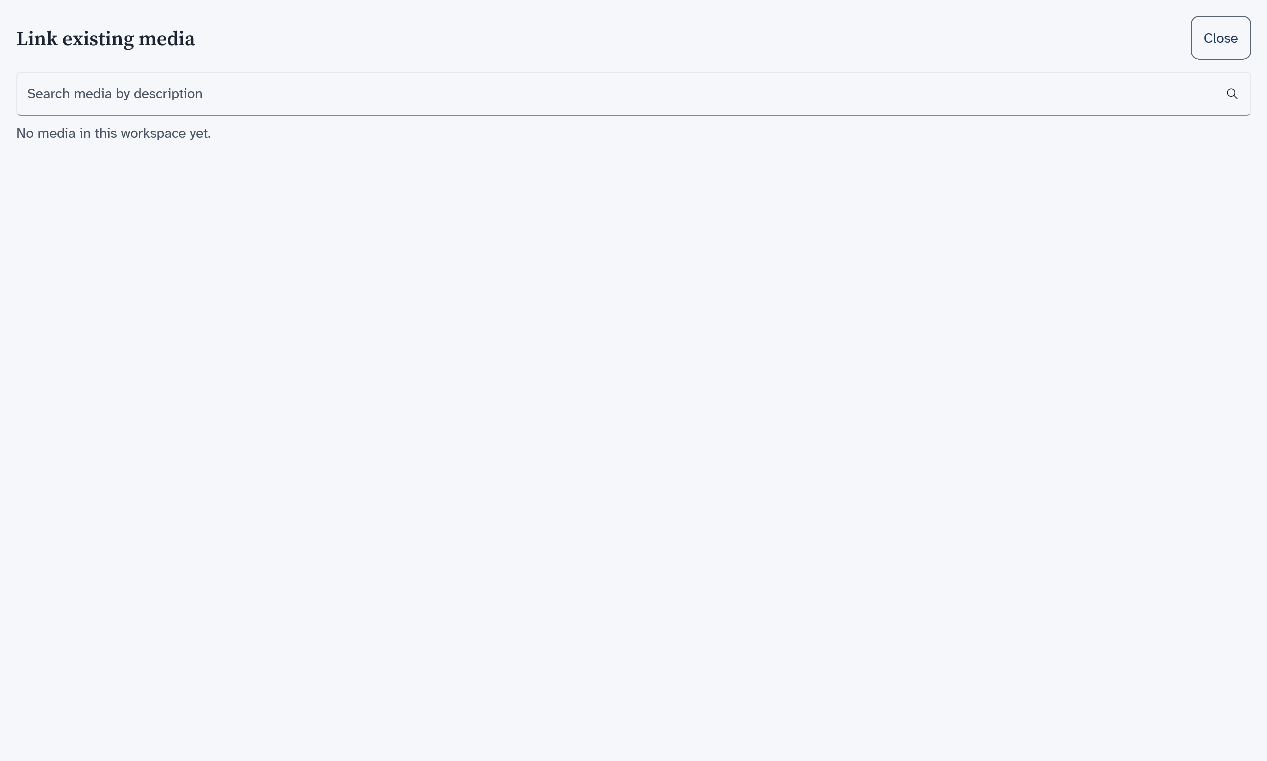
- The third button has a chain link on it. It opens a list of pictures that are already in this tree, so you can use one again on a second person. A new tree has none, and the list says so.
Which file to send says which file to send to family, and whether the pictures go with it.