Open a family tree file
Bring a tree from another program, or a copy from a relative, into uFTi.
About this task
A family tree file ends in .ged or .gdz. uFTi also opens a .zip that holds one. Read Opened files and copies first if the file is the only copy you have.
Procedure
-
Choose the file, then choose Open.
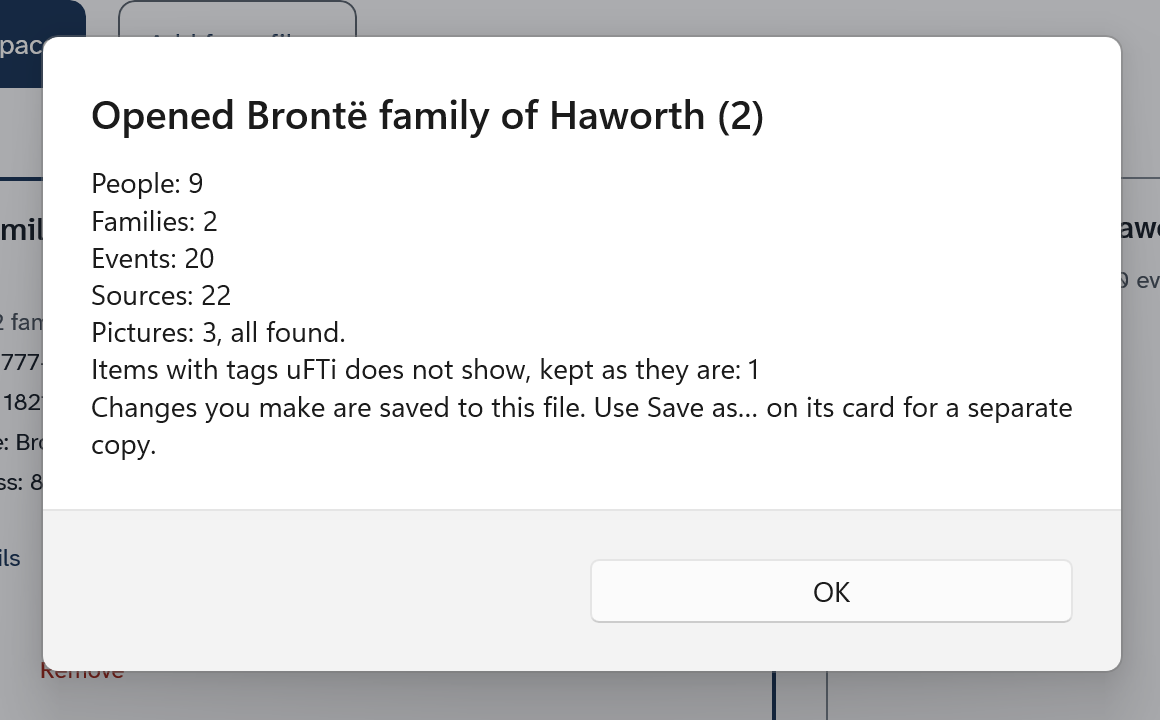
A summary appears. Its title is the name of the tree, written as its card writes it. The summary counts the people, families, events and sources in the file. It says how many pictures there are, and if the file holds anything that uFTi cannot show. uFTi keeps that as it is. The summary also says that your changes are saved to this file.
Results
The cards sit side by side. Choose a card to make that tree the open one. Choose Show details on a card to see which file it is.
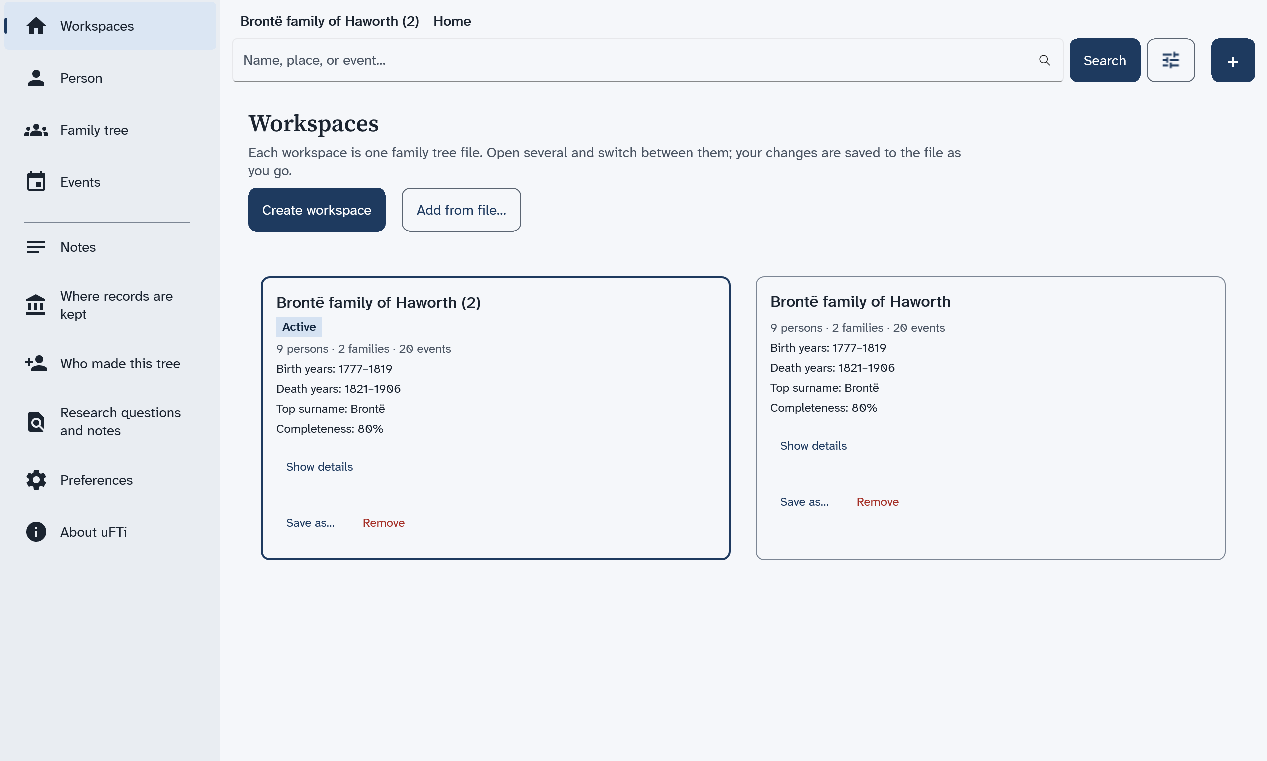
If you open a second file with the same name, the card and the summary both add (2) to the name.
What to do next
Next: Keep it safe.