Change a person
Correct a name, a date or a place on a person's page.
Before you begin
Open the person first. Find a person shows how.
Procedure
-
Scroll to the bottom of the page and choose Edit.
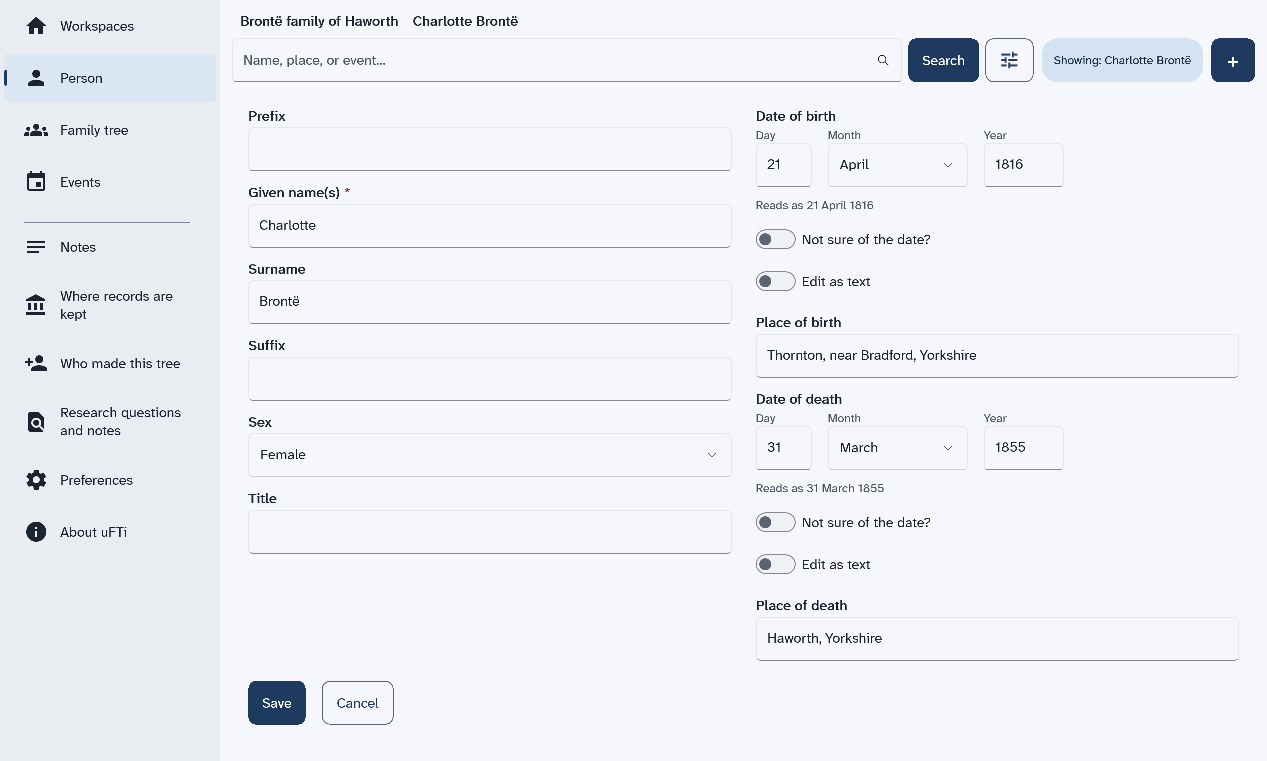
The page turns into a form. It holds the names, the sex, and the dates and places of birth and death.
Results
Your changes are saved to the file as you go. The page shows the new words.
The button Delete person sits below Edit. It removes the person. Check before you choose it.