Choose how the app looks
Pick a colour theme, and a light or dark look, for this computer.
About this task
These settings are for this computer only. They do not change your family tree files.
Procedure
-
Choose Preferences in the menu.
The page shows two groups of choices.
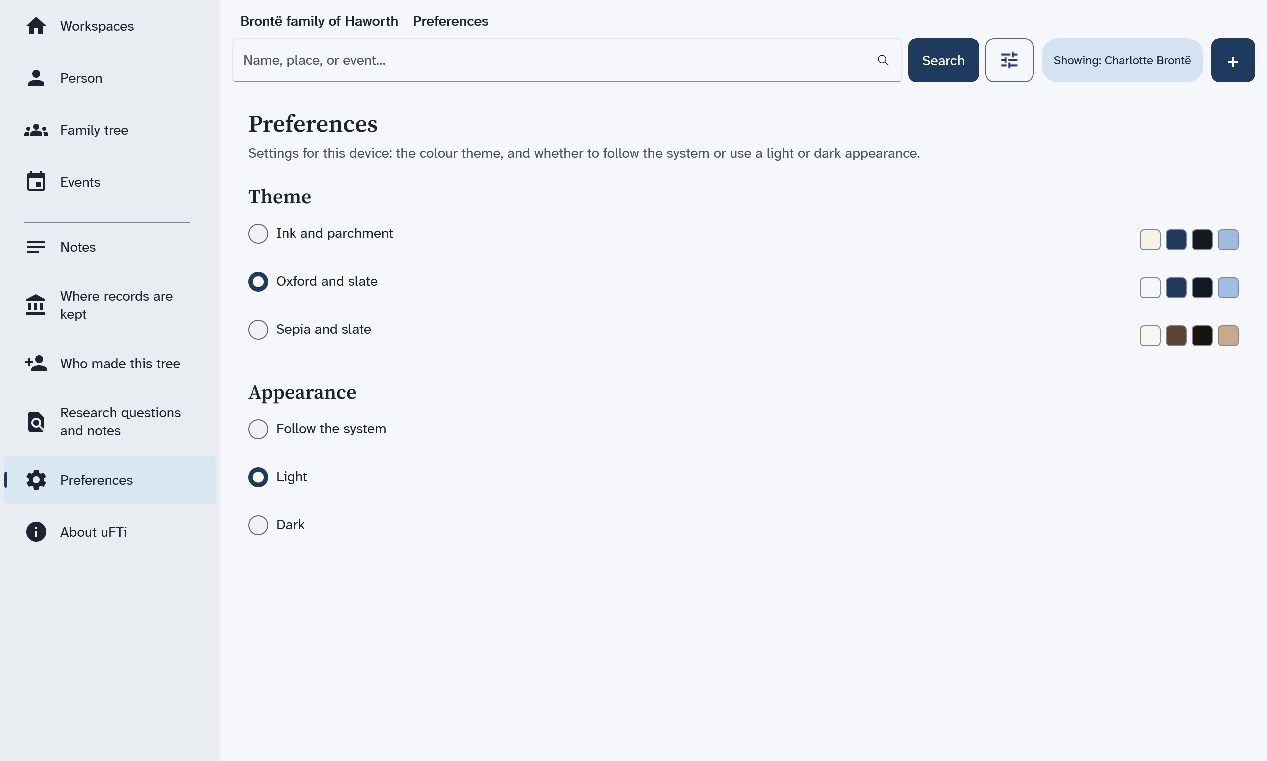
Results
The change shows at once. The app keeps your choice the next time you open it.