Make your own workspace and add yourself, or someone you know well.
Procedure
-
On Workspaces, choose Create workspace.
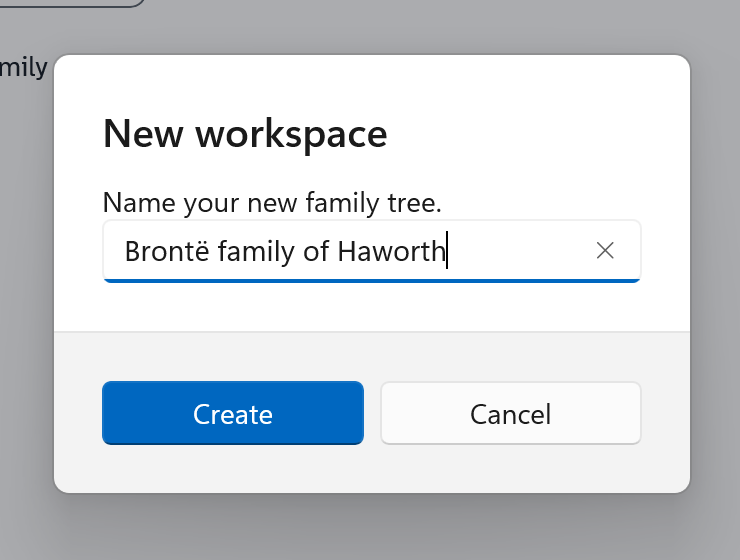
A small window named New workspace opens. It starts with a name already in the box.
-
Type a name for your tree, such as My family, in place of the name that is there.
-
Choose Create.
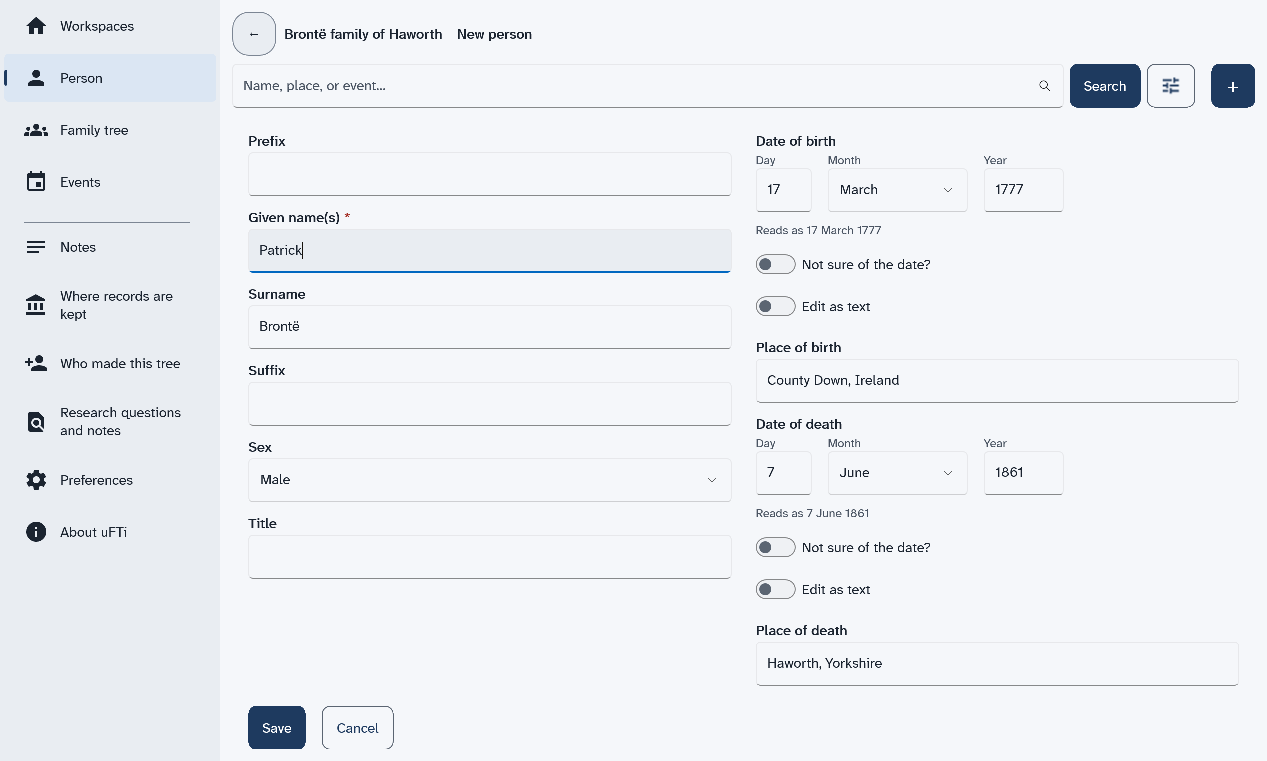
The New person form opens.
-
Type a first name in Given name(s). Type a last name in Surname.
Start with yourself, or someone you know well. Only the first name is needed. If you know the birth date, type it too.
-
Choose Save.
The page for that person opens. If the Save button is below the bottom of the window, scroll down to it.
Results
That is your first person. uFTi saves your work as you go.
What to do next
Next: Look around.