See a family tree
Draw the parents, partners and children of one person.
Before you begin
Open a person first. Find a person shows how.
Procedure
-
Choose Family tree in the menu.
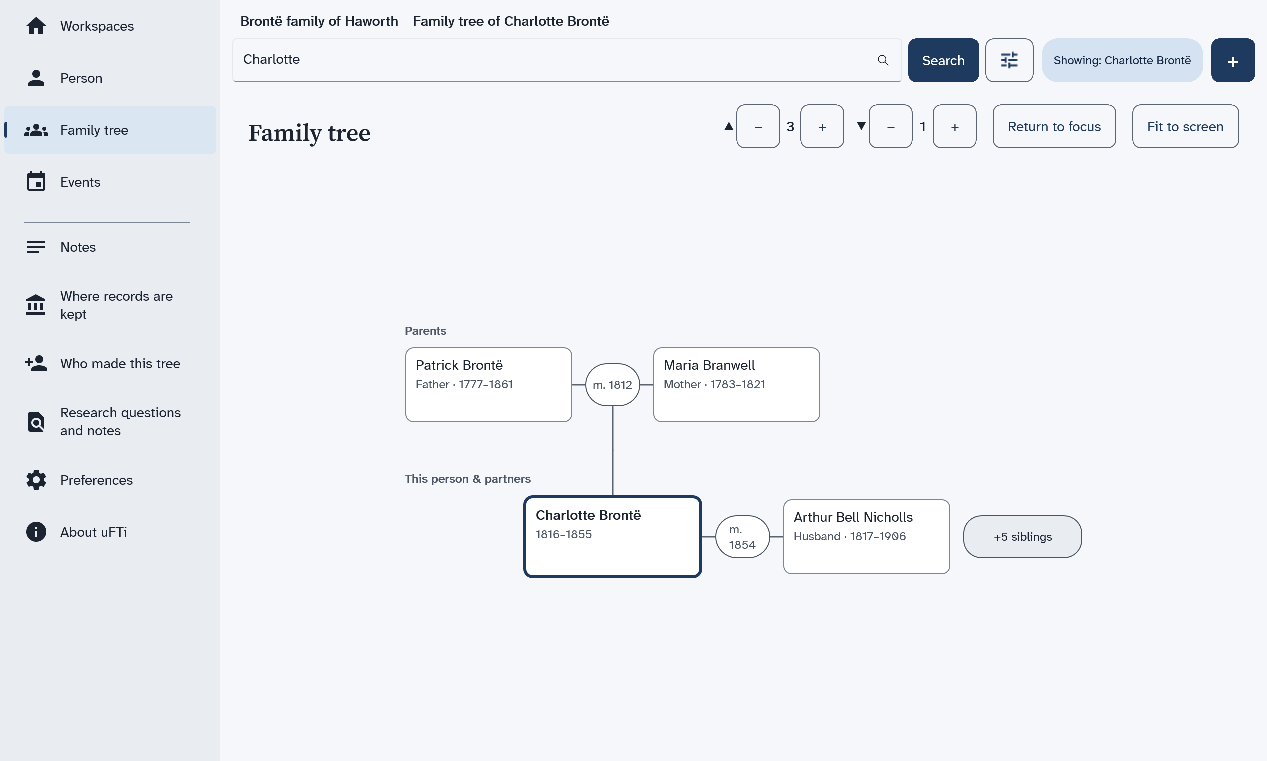
A drawing opens, with the person you chose in a box with a dark edge. Their parents are above. Their partners are beside them. Their children are below.
-
Choose the round mark between two partners.
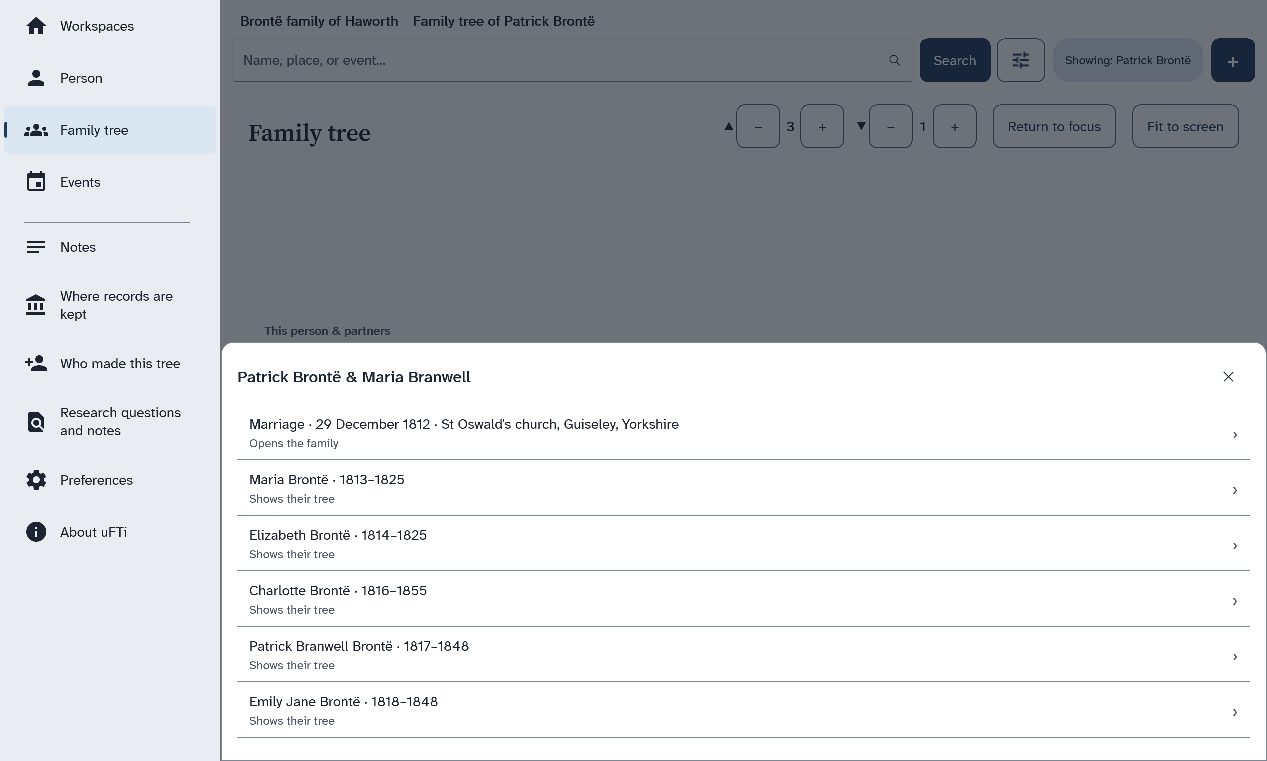
Choose the marriage to open the page for that family. Choose a child to see the tree of that child.
The mark shows the year of their marriage. A list opens with the marriage and each child.
Results
Choose Return to focus to go back to the first person. Choose Fit to screen to see the whole drawing at once. A button such as +5 siblings
means more brothers and sisters are not drawn. A big family may go past the edge of the screen.
What to do next
The same tree is the pedigree in older manuals.