Look at the sources of a fact
See which books and records back up a birth, a death or another fact, and change or remove one.
About this task
Each fact on a person's page has a small chip that counts its sources. A chip that says Sources: 0
means nothing backs that fact up yet. Every count of sources uses the same words, so you see them on a person's card in search results and on the Notes page too.
Procedure
-
On the page of a person, choose the chip beside Birth.
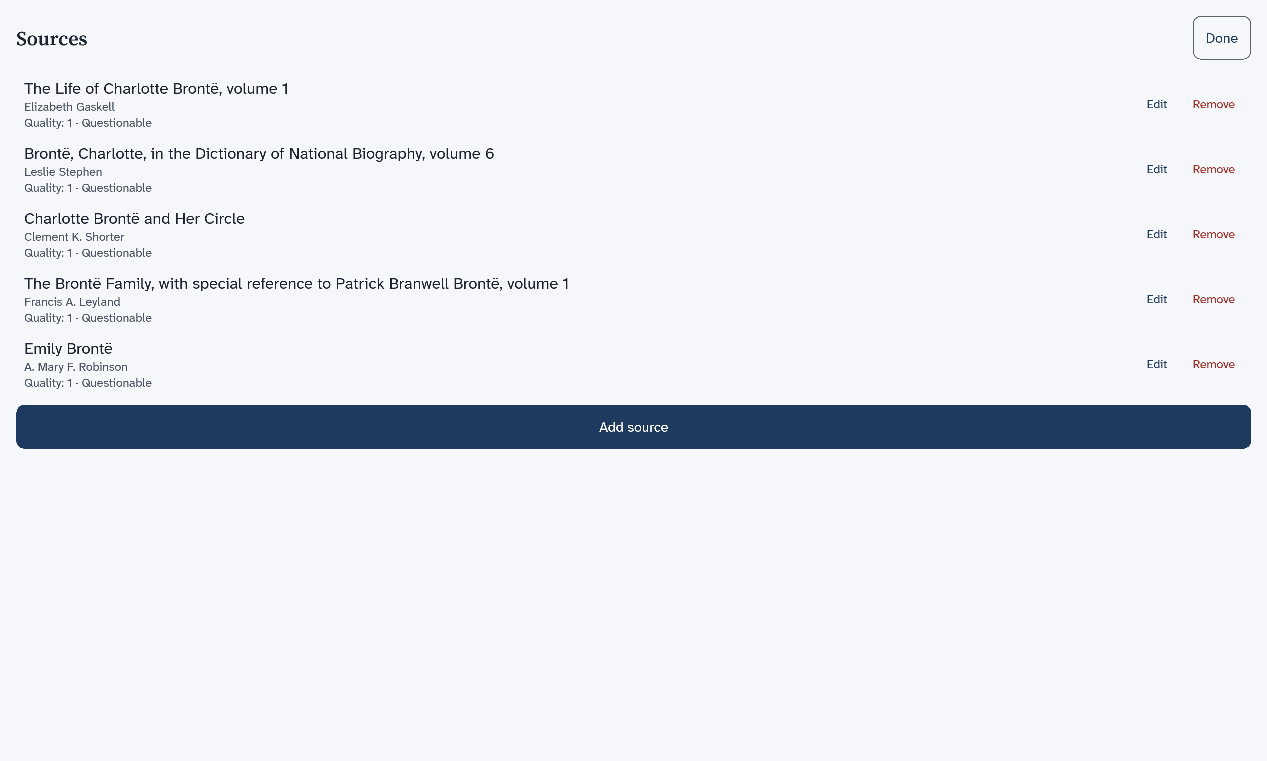
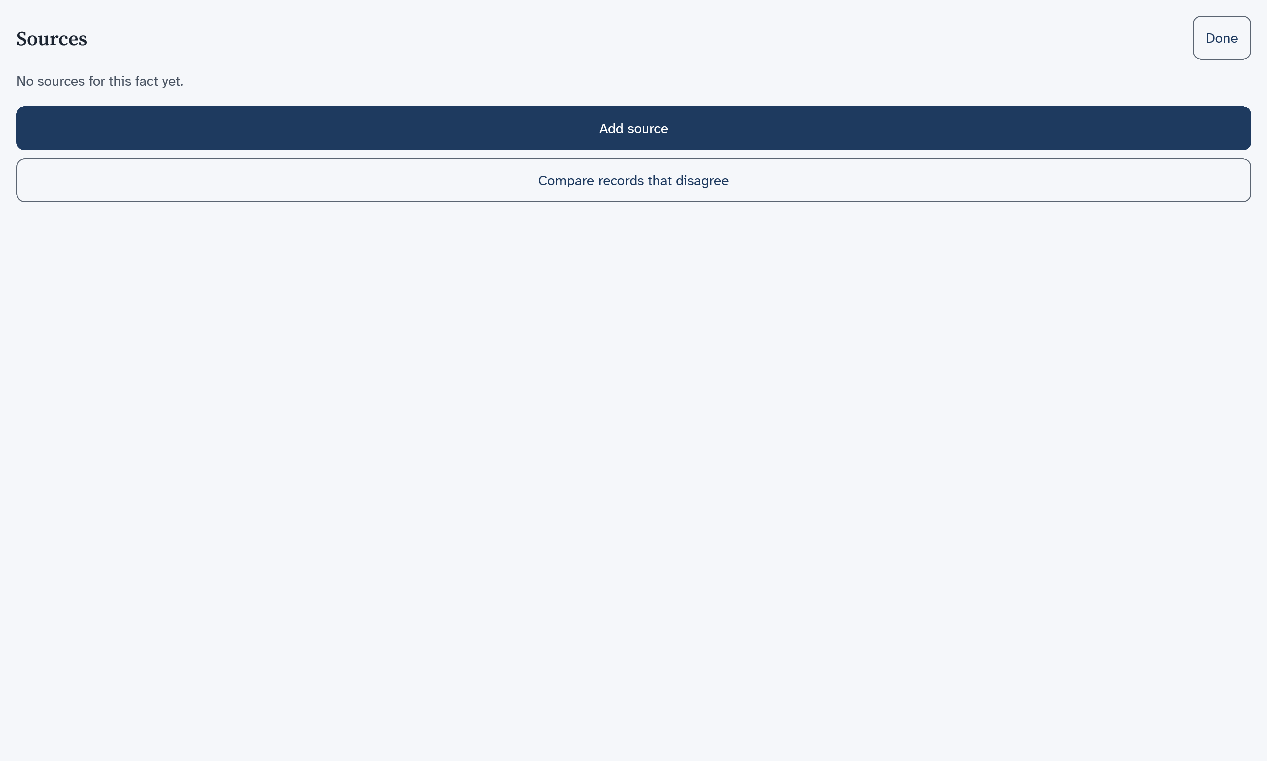
A full-screen list named Sources opens. Each source shows its title, its author and a quality line.
-
To add a source, choose Add source, then Add a new source.
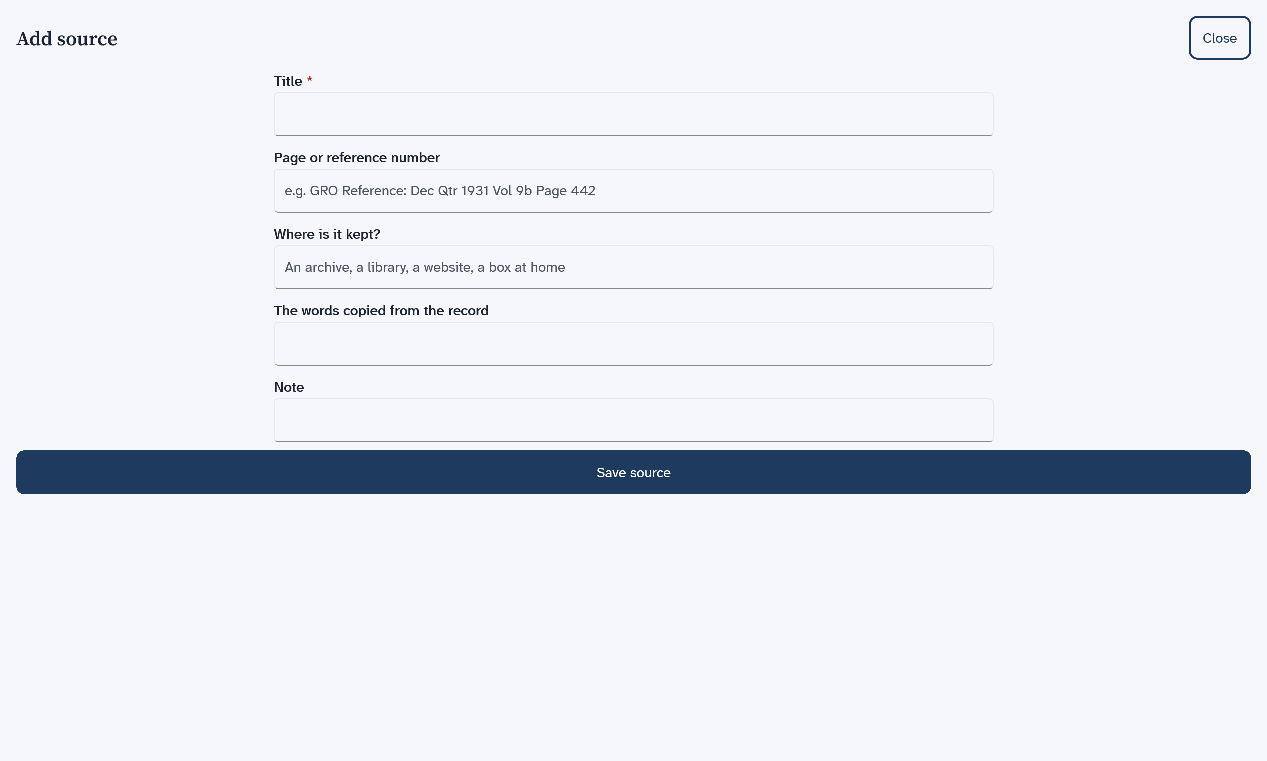
A form opens. It has boxes for the title, the page, where the source is kept, the words copied from it and a note. Only the title is needed.
-
Type the title, then choose Save source.
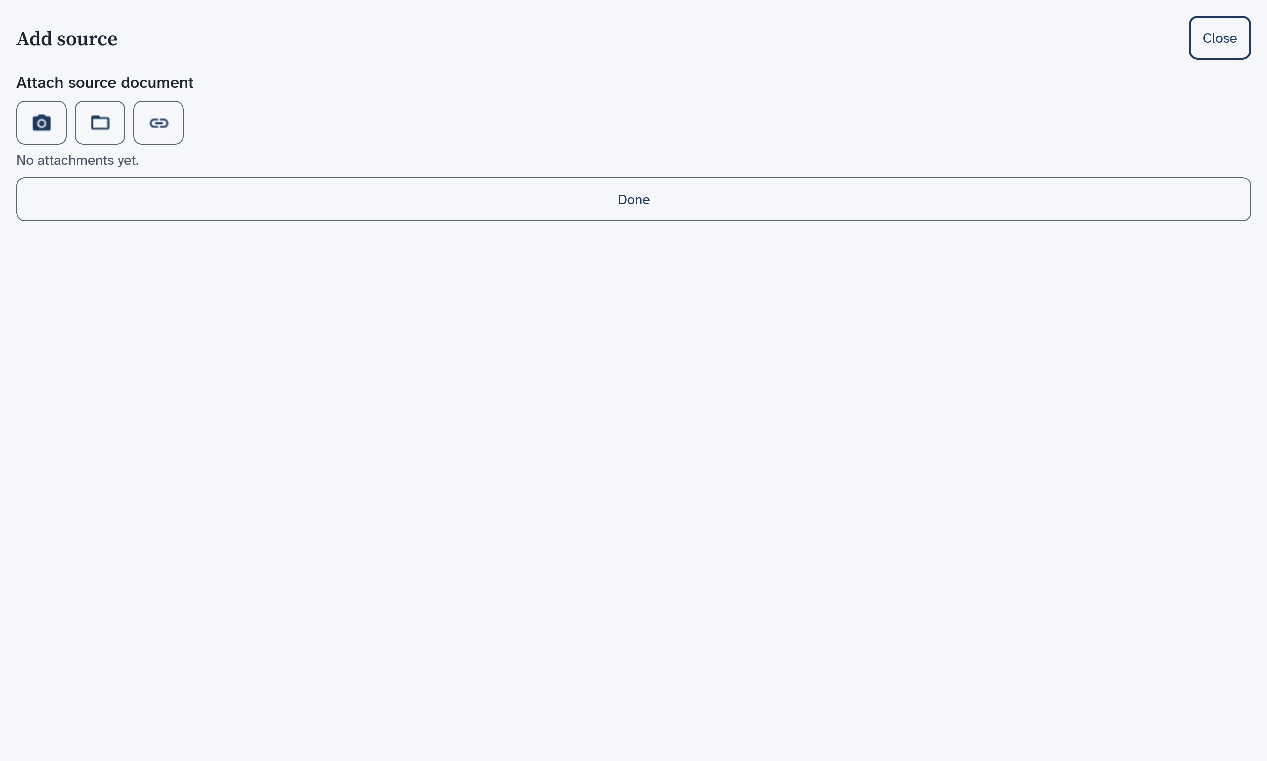
One more step offers to attach a copy of the source. You can skip it.
-
Choose Done.
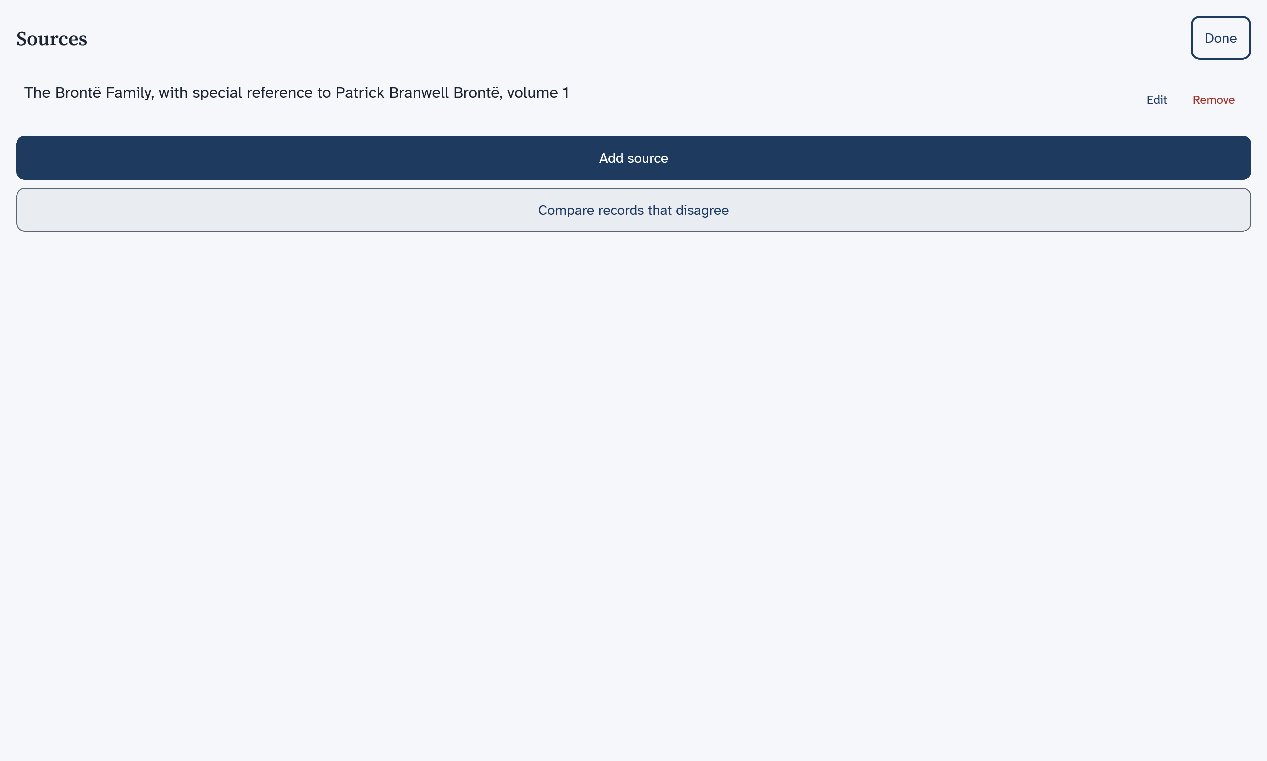
The list now shows the new source.
Results
You are back on the page of the person. The chip shows the new count.
What to do next
A fact with no source shows a short list with the same two buttons. Compare records that disagree is for two records that give different answers.
Next: Add another person.